 1 / 7
VITURE Pro Mobile Dock V1234
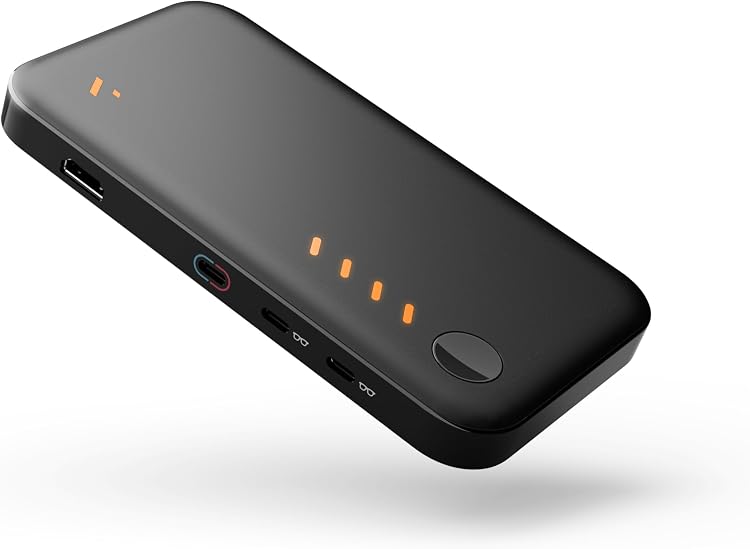
VITURE Pro Mobile Dock V1234 is a portable dock for sending HDMI or USB-C video to XR glasses or a USB-C display, with sharing and 3D support claimed by the listing. Its advertised battery life varies by device, and customer feedback reports mixed results for battery life and compatibility.
At a glance
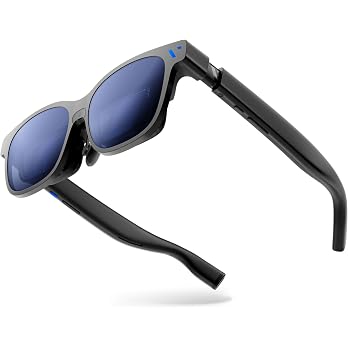
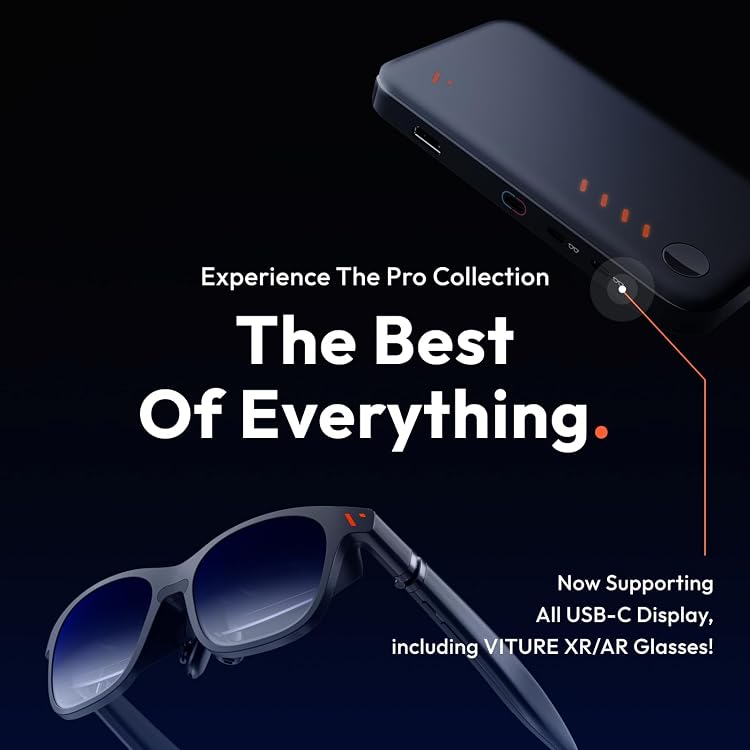
- The listing says the dock can connect two XR glasses or an external USB-C display to the same device for shared viewing.
- 3D playback is supported when the source content is native 3D. Real-time 2D-to-3D conversion is not supported.
- The listing claims 8 additional hours on Switch and up to 20 hours on HDMI TV sticks and smartphones. These are separate, device-specific claims.
- The listing describes HDMI and USB-C video compatibility for computers, consoles, smartphones and TV sticks that support video output through the relevant connection.
Often bought together
Pros and cons
Pros
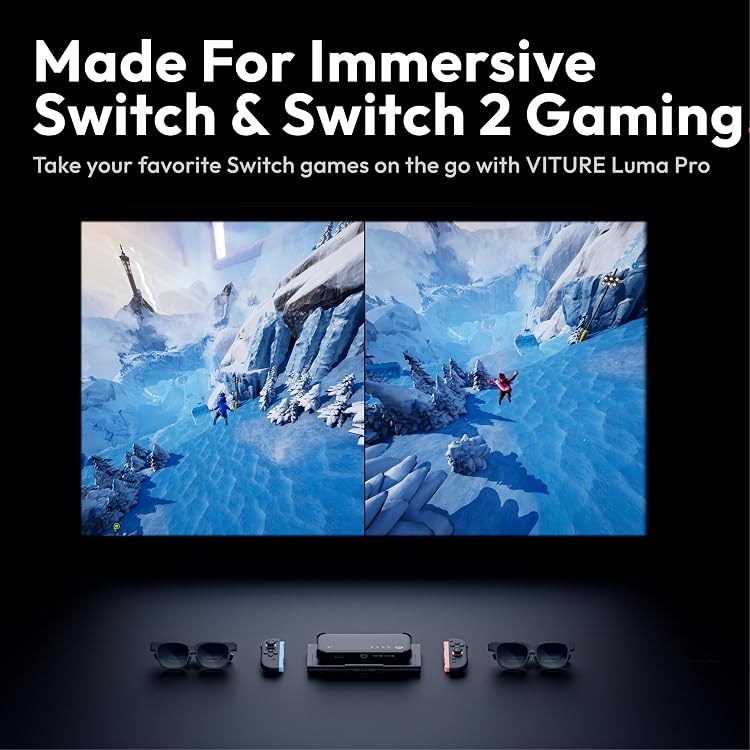
- Screen sharing can suit local co-op gaming or watching together when both viewers have compatible XR glasses or a USB-C display.
- Native 3D support adds a viewing option for buyers with compatible XR glasses and 3D source content.
- Three USB ports and one HDMI port are listed, alongside four total ports.
Cons
- The listed battery figures are not a universal runtime, and customer feedback is mixed about battery life, including reports of short life and inability to charge during use.
- The dock's 3D feature does not convert ordinary 2D content into 3D.
Technical specifications
12 specifications| Brand | VITURE |
|---|---|
| Model | V1234 |
| Colour | Black |
| Hardware interface | USB |
|---|---|
| USB ports | 3 |
| Total ports listed | 4 |
| HDMI ports | 1 |
| Compatible devices | Fire TV, HDMI Devices, Handheld Gaming Consoles, Nintendo Switch, PlayStation, USB-C Display, XR/AR Glasses |
| Wattage | 20 watts |
|---|
| Weight listed | 12.7 Ounces |
|---|
| Minimum operating system versions | Mac OS 13 Ventura, Ubuntu 22.04 Jammy Jellyfish, Windows 11 |
|---|
| Country of origin | China |
|---|
What to know before buying
Listing details to confirm
Listing details are inconsistent or unconfirmed: it lists three USB ports and one HDMI port alongside four total ports, without clarifying whether these account for all ports. Battery figures are device-specific claims, not a single runtime. Compatibility reports differ, including positive Switch 2 feedback and reports of poor PS5 operation. Check compatibility with the exact device and intended connections before buying.
Who is it for?
A good fit for
- Switch players seeking a dock-based way to view gameplay through compatible XR glasses.
- Two viewers who want to share a game or film through XR glasses or an external USB-C display.
- Buyers with native 3D content and a compatible XR display.
Less suited to
- Anyone expecting 2D videos or games to be converted into 3D.
- Buyers who need a guaranteed battery runtime or confirmed compatibility with a particular console without checking the setup.
Customer reviews on Amazon
- 5 stars
65% 65% - 4 stars
14% 14% - 3 stars
8% 8% - 2 stars
4% 4% - 1 star
9% 9%
Customer feedback describes the dock as easy to set up and useful, while reports about battery life, compatibility and value are mixed. Some buyers report good Switch 2 operation, while others say it barely works with PS5. That variability matters if you need a dependable console-specific setup, and the listed battery claims should not be treated as guaranteed runtimes for every device.
Positive themes
- Customers report easy, plug-and-play setup and appreciate the dock's functionality.
Mixed feedback
- Battery-life feedback ranges from positive to reports of very short use and inability to charge while in use.
- Compatibility feedback varies, including reports of good Switch 2 operation and poor PS5 performance.
- Opinions on value differ, with some considering it worthwhile and others finding it expensive for what it delivers.
Frequently asked questions
Can the dock convert 2D content to 3D?
No. The listing says native 3D source content is required and real-time 2D-to-3D conversion is not supported.
Can two people view the same screen?
The listing claims support for connecting two XR glasses or an external USB-C display to one device. Confirm that the glasses or display and source device support your intended setup.
How long does the battery last?
The listing claims 8 additional hours on Switch and up to 20 hours on HDMI TV sticks and smartphones. These claims apply to different devices, and customer feedback on battery life is mixed.
Will it work with my console?
The listing names consoles including Nintendo Switch and PlayStation, but customer feedback reports mixed compatibility, including differing experiences with Switch 2 and PS5. Confirm your specific model and connection method.
Alternative options
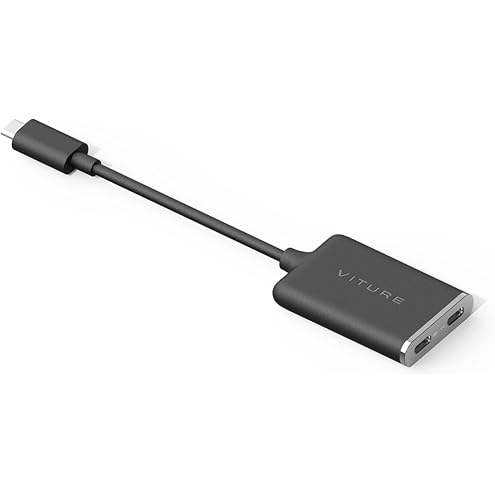
VITURE USB-C to Glasses and Charging Adapter, Charge and Play, Steam Deck
€29.00
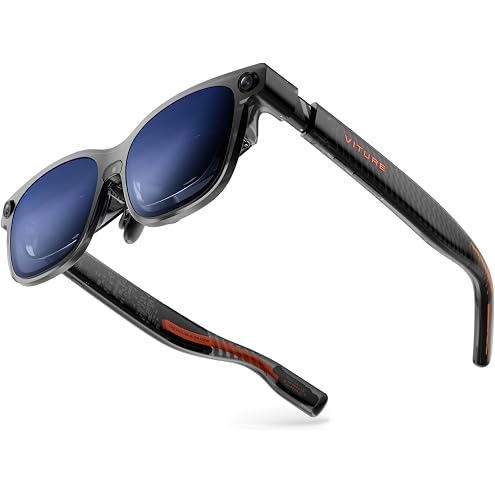
VITURE Luma Ultra XR/AR Glasses, 152'' Ultra Sharp Display,1500 Nits 6DoF | 1200p 120Hz, 52° FOV, Real-Time 2D-to-3D, Hand Gestures, HARMAN Audio, for iPhone, Android, Switch, PS5, Mac, PC, Steam Deck
€469.00
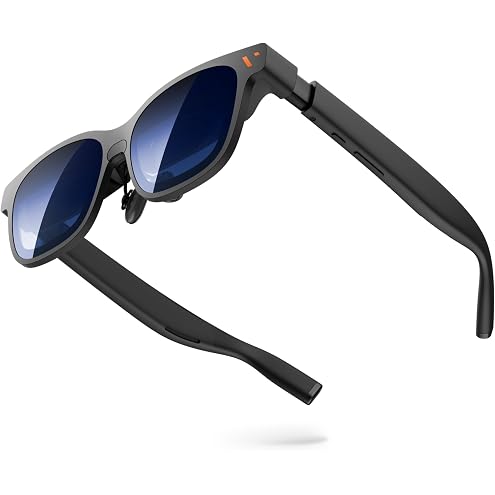
VITURE Pro 2 XR/AR Glasses - UltraClarity 3.0 120Hz, 1600 nits, 50 FOV | Video Display Glasses with Sony Micro-OLED, 146", 63g, for Switch/Switch 2, Steam Deck, iPhone 15 & Later, Android, Mac, PC
€299.00
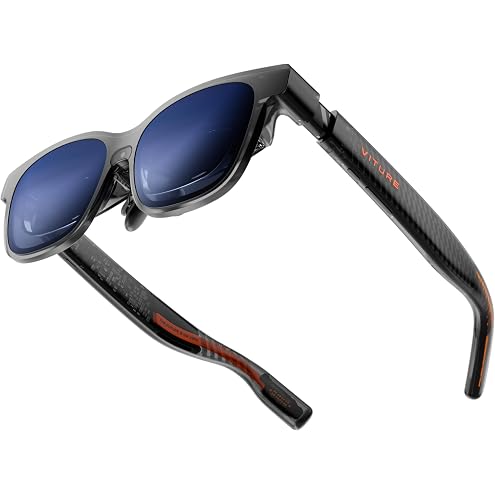
VITURE Luma Pro XR/AR Glasses, 152" 1200p 1000 Nits Sharp Screen, 52° FOV | 120Hz, Real-Time 2D-to-3D, HARMAN Audio, for iPhone, Android, PS5, Switch, Mac, PC, Steam Deck - Large
€349.00
Offer details
- Native 3D source content is required for 3D viewing. Real-time 2D-to-3D conversion is not supported.