 1 / 7
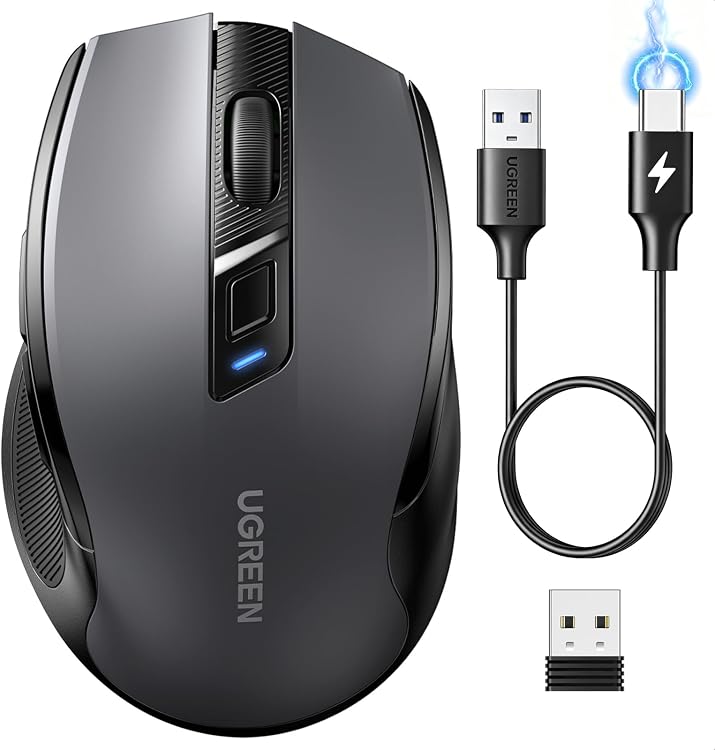
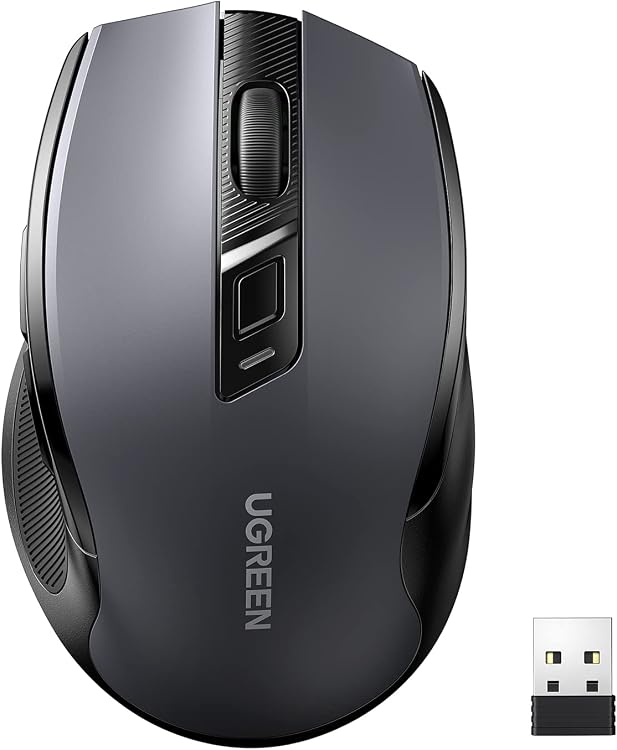
UGREEN Ergonomic Wireless Mouse, 2.4G, 6 Buttons
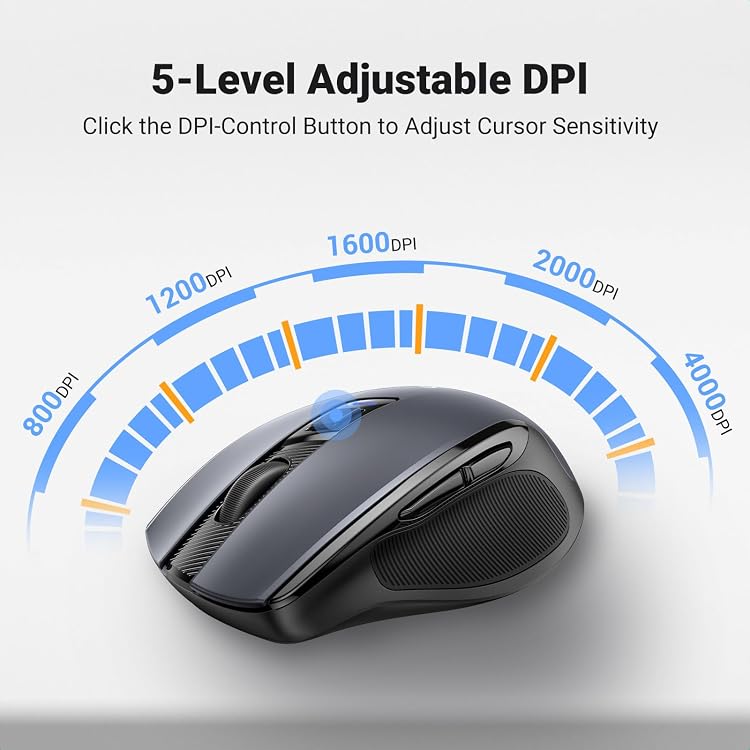
UGREEN Ergonomic Wireless Mouse is a right-handed wireless model for everyday office use. It has six buttons, adjustable tracking claimed up to 4000 DPI, quiet clicks and scrolling, and uses one AA battery that is not included.
At a glance
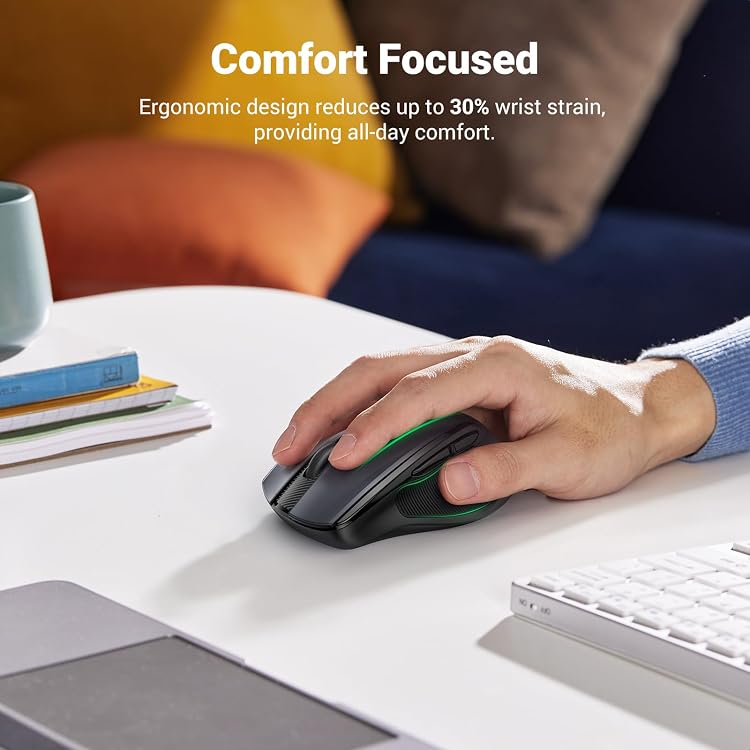
- Right-hand shape with a thumb rest, as described by the listing.
- The listing claims quiet switches under 40dB and muted scrolling.
- Five adjustable DPI levels are described, with a maximum of 4000 DPI.
- Two thumb buttons provide back and forward navigation. The listing says side buttons are not supported on macOS.
- Manufacturer claims wireless range up to 15m and battery life up to 18 months on one AA battery.
Reference price: €13.99
Price checked: 12 Nov 2026
View offerAhead of Black FridayExplore the selectionOften bought together
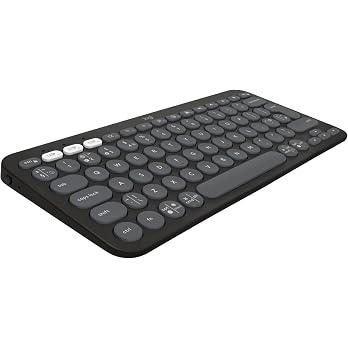
Logitech Pebble Keys 2 K380s, Multi-Device Bluetooth Wireless Keyboard | Customisable Shortcuts, Slim & Portable, Easy-Switch for Windows/macOS/iPadOS/Android/Chrome OS, QWERTY UK Layout, Graphite
€34.99
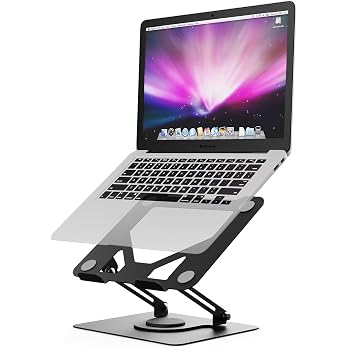
GRIFEMA GB1050 Laptop Stand for Desk, Adjustable Laptop Riser for 11-17 inches Laptops, with 360° Rotating Base, Foldable Ventilated Cooling Notebook Stand
€17.95
Pros and cons
Pros
- Six buttons include two thumb navigation buttons and a DPI-switch button.
- Quiet clicks and scrolling may suit shared rooms or office desks.
- USB receiver operation is presented as a simple plug-in setup.
- The listing describes use on wood, fabric, paper and metal pads.
Cons
- The AA battery is required but not included.
- The listing says the mouse is not suitable for glass surfaces.
Technical specifications
19 specifications| Brand | UGREEN |
|---|---|
| Model | Ergonomic Wireless Mouse |
| Colour | Black |
| Hand orientation | Right |
| Wireless connection listed | USB |
|---|---|
| Movement detection | Optical |
| Buttons | 6 |
| Maximum sensitivity | 4000 Dots per Inch |
| Wireless range | 15 meters |
| Power configuration | Battery Powered |
|---|---|
| Battery life listed | 18 months |
| Battery requirement | 1 AA batteries required. |
| Batteries included | No |
| Weight | 72 Grams |
|---|---|
| Dimensions | 12.3L x 7.2W centimetres |
| Enclosure material | Plastic |
|---|---|
| Finish | Matte |
| Operating systems | Android, Chrome OS, Linux, Mac OS, Windows 11/10/8/7/XP |
|---|---|
| Hardware platforms | PC, Tablet, Laptop |
What to know before buying
- The claimed 18-month battery life is an estimate in the listing, not a guaranteed duration. Side buttons are stated not to work on macOS, and glass use is not supported.
What’s in the box
- USB receiverIncluded
- User manualCheck selected pack
Check which accessories are included in your selected pack before buying.
Who is it for?
A good fit for
- Right-handed users looking for a wireless mouse for everyday office work.
- People who prefer quieter clicks and scrolling in shared workspaces.
- Buyers wanting thumb navigation buttons and adjustable cursor sensitivity.
Less suited to
- Left-handed users, given the listed right-hand orientation.
- Users who need a mouse that works on glass or require its side buttons on macOS.
Customer reviews on Amazon
- 5 stars
73% 73% - 4 stars
14% 14% - 3 stars
5% 5% - 2 stars
2% 2% - 1 star
6% 6%
Customer feedback describes the mouse as easy to set up and quiet, with positive comments on everyday use and value. Reliability feedback is mixed, with some customers reporting intermittent operation, and button sensitivity is also a concern in the feedback. For an office mouse, quiet operation and straightforward receiver setup may be useful, but buyers who depend on consistent operation or precise button response should weigh those reported concerns.
Positive themes
- Customers describe it as easy to set up and quiet for everyday use.
- The feedback includes positive comments on value for money.
Negative themes
- Some customer feedback reports intermittent operation.
- Button sensitivity is raised as a concern.
Mixed feedback
- Reliability feedback is mixed, with some customers saying it works well and others reporting interruptions.
Frequently asked questions
Is the AA battery included?
No. The listing says one AA battery is required and not included.
Can the mouse be used on glass?
The listing specifically says it is not suitable for glass surfaces.
Do the thumb buttons work on macOS?
The listing says the side buttons are not supported on macOS.
How does it connect?
The listing describes plugging the USB receiver into the device. It also lists wireless connection as “USB”.
Alternative options
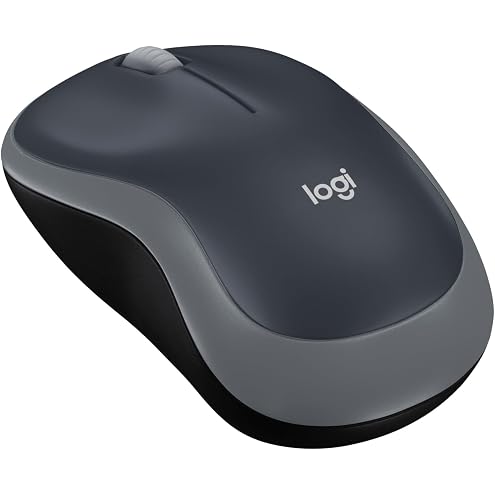
Logitech M185 Wireless Mouse, 2.4GHz with USB Mini Receiver, 12-Month Battery Life, 1000 DPI Optical Tracking, Ambidextrous, Compatible with PC, Mac, Laptop - Grey
€11.90
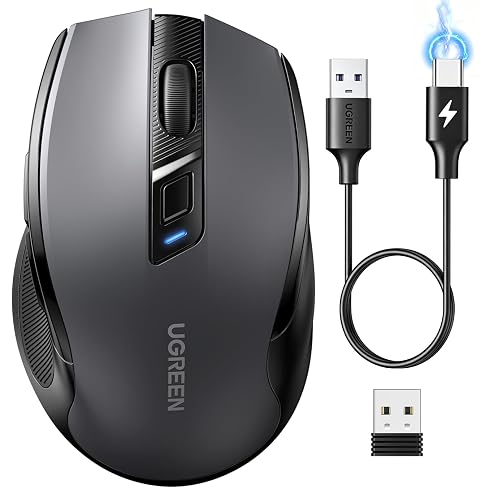
UGREEN Wireless Mouse, Bluetooth & 2.4GHz Silent Mouse, USB-C Rechargeable | 40dB Quiet Clicks, Portable & Ergonomic, 4000 DPI, 5-Button, Rechargeable Mouse, Plug & Play for Laptop/PC/MacBook/iPad
€12.99
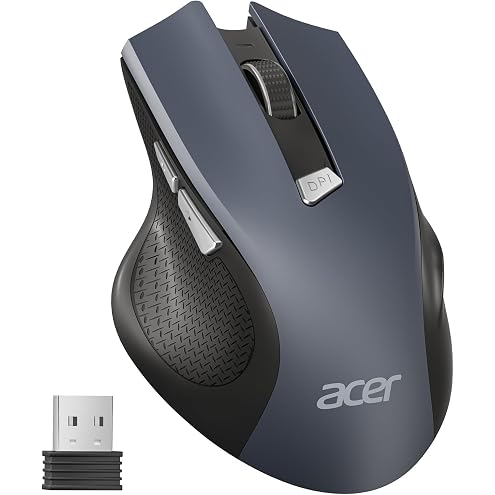
Acer Wireless Mouse, 1600 DPI Ergonomic Computer Mouse, 2.4GHz USB Receiver | 6 Buttons, Optical Tracking, Battery Indicator, M to L Hand Size, Portable Wireless Mice for Laptop, PC, Desktop, Mac, Office
€14.99
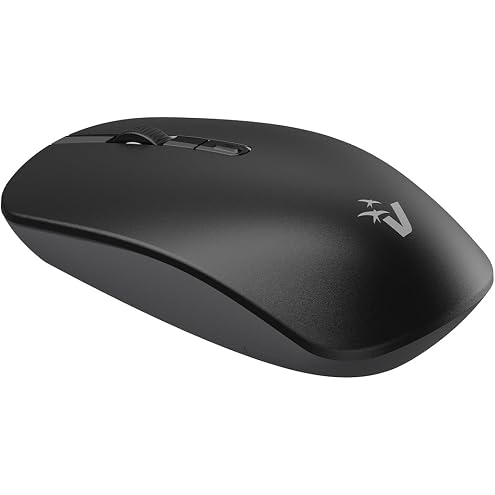
VulTech MW-10 Wireless Optical Mouse 1600 DPI Wireless 2.4GHz with 3 Buttons + Scroll Wheel + DPI Switch, Ambidextrous for Notebook/PC/Laptop/Computer/MacBook, Black
€4.27
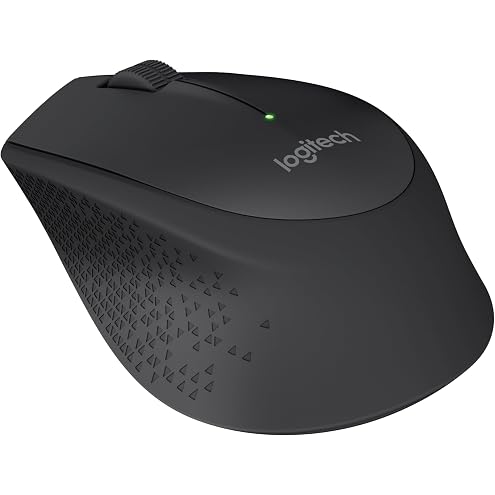
Logitech M280 Wireless Mouse, 2.4 GHz with USB Nano Receiver, 1000 DPI Optical Tracking, 3 Buttons, 18 Month Battery, Compatible with PC, Mac, Laptop, Chromebook - Black
€23.35
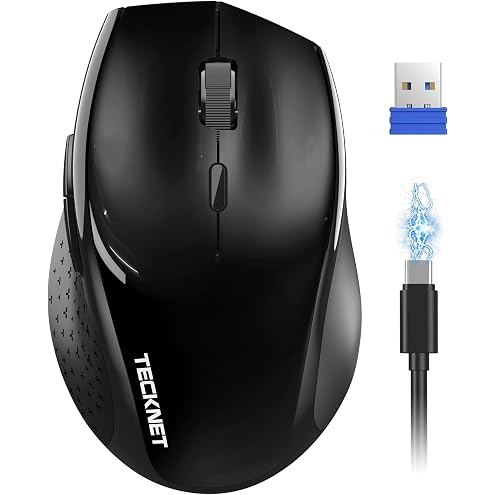
TECKNET Wireless Mouse for Laptop, 2.4G Silent click Mouse, 4800 DPI Optical Computer Mice with 6 Adjustable Levels, 30 Months Long Battery Life, Cordless USB Silent Mouse for Laptop PC Computer
€16.99