 1 / 7
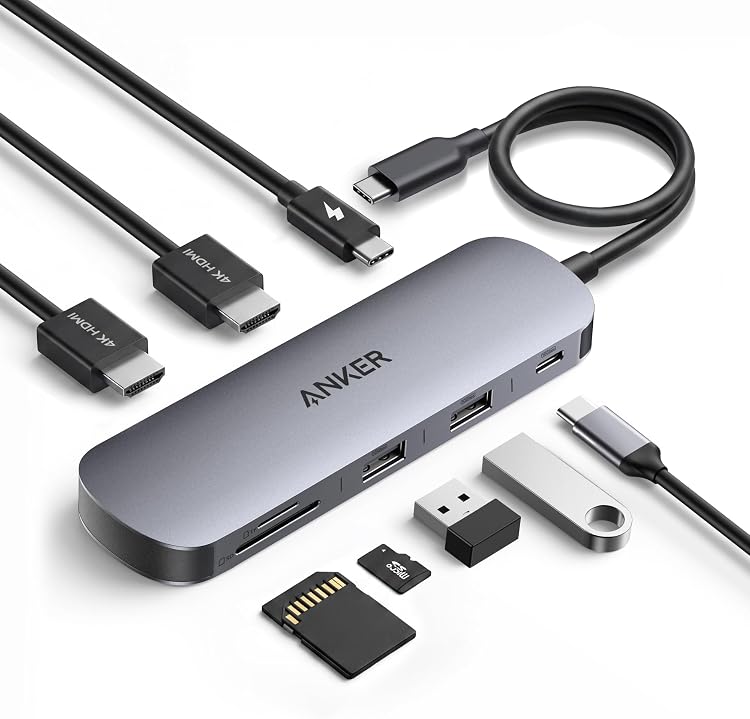
Anker Nano A210B 8-in-1 USB-C Docking Station
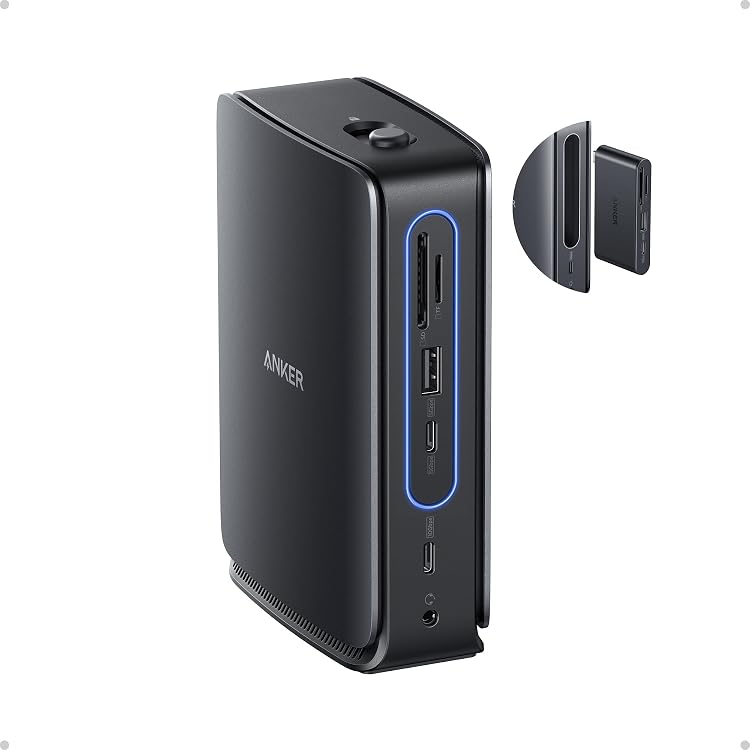
The Anker Nano A210B is an 8-in-1 USB-C docking station for Windows laptops, with dual HDMI outputs, USB data ports, card readers and pass-through charging. Its dual-display mode depends on the host USB-C port supporting DP 1.4 with DSC 3:1, while the required 100W charger and cable are not included.
At a glance
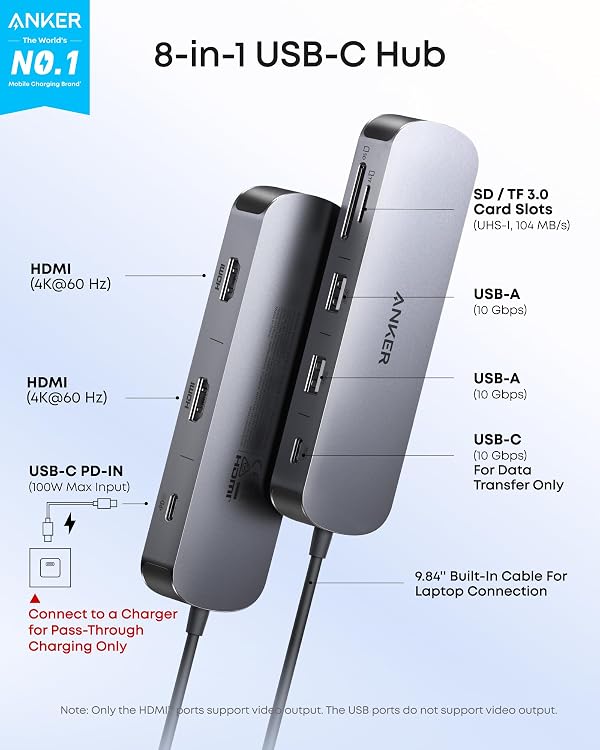
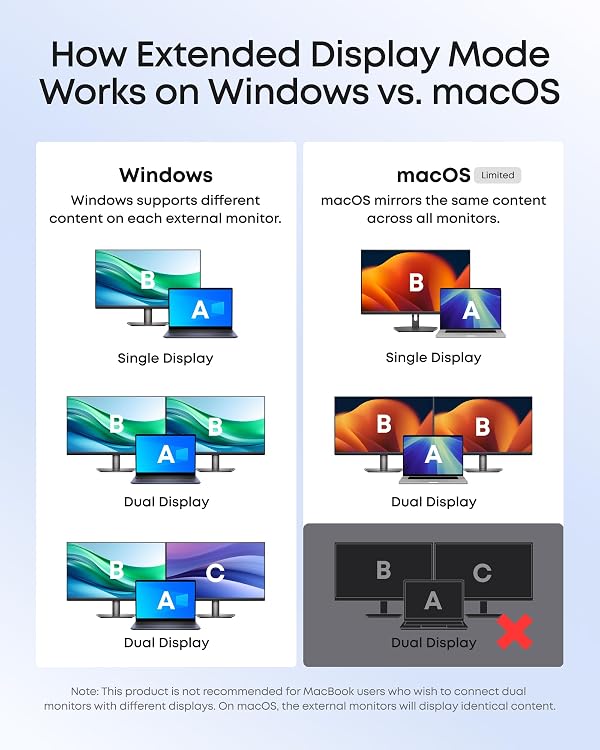
- Two HDMI ports are advertised for up to two external displays at 4K and 60Hz, with extended displays supported on Windows when the host meets the stated DP 1.4 and DSC 3:1 requirement.
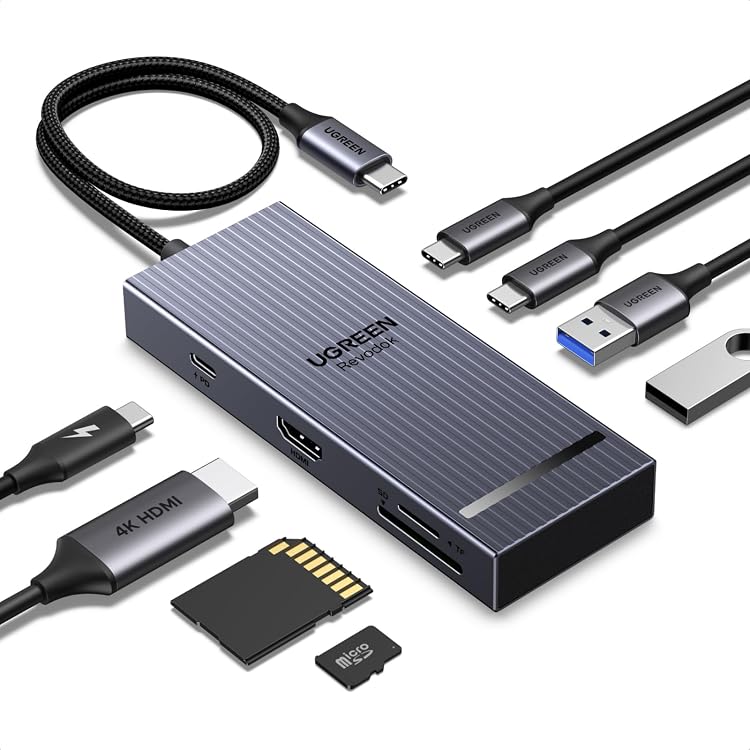
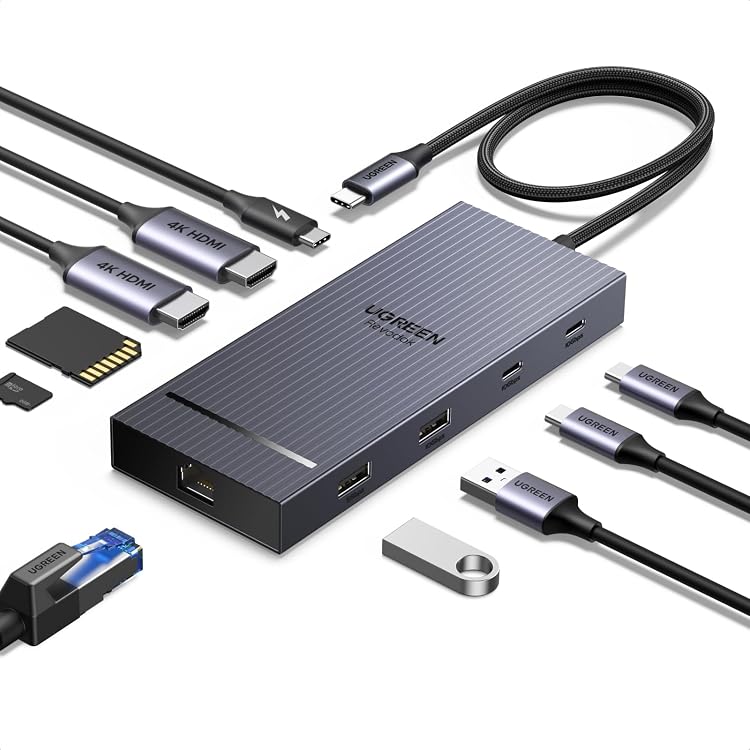
- The eight-port layout includes two HDMI ports, two USB-A data ports, a USB-C data port, USB-C PD input and SD/TF card slots.
- The USB-C upstream connection supports up to 85W laptop output when paired with a 100W PD charger and cable, which are not included.
- The three USB data ports support up to 10Gbps and are data-only, not for charging or video output.
Reference price: €34.99
Price checked: 13 Nov 2026
View offerAhead of Black FridayExplore the selectionOften bought together
Pros and cons
Pros
- Combines dual HDMI, three 10Gbps USB data ports and SD/TF card readers in one hub.
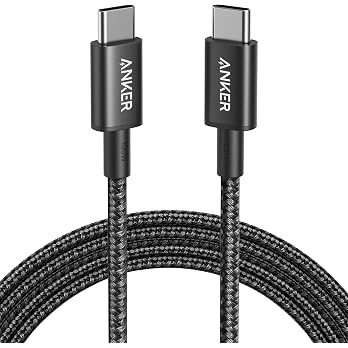
- The long 25 cm cable offers more reach between the host laptop and hub than a plug-in-only adapter.
- Windows users with compatible host graphics can use different content on two external displays.
Cons
- The USB-A and USB-C data ports do not provide charging or video output.
- Full 85W laptop pass-through charging requires a separate 100W PD charger and cable.
Technical specifications
21 specifications| Brand | Anker |
|---|---|
| Model | A210B |
| Colour | Gray |
| Port count | 8 |
|---|---|
| USB ports | 4 |
| Hardware interfaces | HDMI, MicroSD, USB, USB 3.0, USB Type C |
| USB data transfer rate | 10 Gigabits Per Second |
| Card-reader transfer speed | up to 104 MB/s |
| HDMI output | two HDMI ports supporting up to 4K@60 Hz |
| USB-C upstream output | 85W max output |
| USB-C PD input | 100W max |
| Pass-through laptop charging | up to 85W |
| Cable length | 25 cm |
| Compatible devices | Card Readers, Desktops, Laptops |
|---|---|
| Operating systems listed | Windows 10/11, ChromeOS |
| Minimum required operating system version | Windows 10 |
| Connection compatibility | full-function USB-C, USB4, and Thunderbolt connections |
| Dual-display condition | host device's USB-C port supports DP 1.4 with DSC 3:1 |
| Dimensions | 14L x 47W x 16H millimetres |
|---|---|
| Weight listed | 0.24 Pounds |
| Pack count | 1 |
What to know before buying
- On macOS, HDMI ports provide video output and USB ports do not. A 10Gbps-compatible cable is required for high-speed USB transfer. A 100W PD charger and cable are needed for maximum pass-through charging, with 15W reserved for hub operation.
Listing details to confirm
The listing calls this an 8-in-1 hub, but its detailed port breakdown and marketing summary are not fully aligned: the detailed list names a USB-C upstream connection, USB-C PD input, one USB-C data port, two USB-A ports, two HDMI ports and SD/TF slots, while a separate highlight describes four USB ports and up to 104 MB/s card transfer. Confirm the port layout and card-reader details for the selected listing. Dual 4K at 60Hz requires a host USB-C port with DP 1.4 and DSC 3:1. macOS mirrors the same content across external monitors, and Linux is not supported.
Who is it for?
A good fit for
- Windows laptop users who need HDMI connections for two external displays and have a host port meeting the stated DP 1.4 with DSC 3:1 requirement.
- People who want USB data ports and SD/TF card-reader access through one compact hub.
- Laptop users seeking pass-through charging and who already have, or are willing to obtain, a 100W PD charger and cable.
Less suited to
- Mac users who need separate content on two external monitors.
- Linux users.
- Buyers who need charging or video output through the hub's USB data ports.
Customer reviews on Amazon
- 5 stars
75% 75% - 4 stars
12% 12% - 3 stars
4% 4% - 2 stars
4% 4% - 1 star
5% 5%
Customer feedback reports positive impressions of ease of setup, port availability and speed, including a report of smooth 4K use. Opinions are mixed on connectivity and dual-monitor compatibility, with some customers describing connection problems or unsuccessful dual-monitor use. For buyers, this makes host compatibility particularly important: the advertised extended dual-display mode requires DP 1.4 with DSC 3:1, while macOS mirrors displays. Aggregate ratings are mostly in the five-star category, but ratings alone do not establish why individual customers rated it as they did.
Positive themes
- Customers mention ease of use and the availability of ports.
- Some feedback praises speed, including a report of smooth 4K use.
Mixed feedback
- Customer feedback is divided on connectivity and dual-monitor compatibility.
Frequently asked questions
Can the A210B drive two separate external displays?
The listing says Windows supports extended mode on two external displays, up to 4K at 60Hz, when the host USB-C port supports DP 1.4 with DSC 3:1. On macOS, the external displays mirror the same content.
Does it provide 85W laptop charging?
It supports up to 85W pass-through output when connected to a 100W PD charger and cable. Those are not included, and 15W is reserved for hub operation.
Can its USB ports charge devices or output video?
No. The three 10Gbps USB data ports are specified for data transfer only and do not support charging or video output.
Is it compatible with Linux?
No. The listing says it is not compatible with Linux. It lists Windows 10/11 and ChromeOS, and requires a laptop supporting DP Alt Mode and Power Delivery for the stated capabilities.
Alternative options
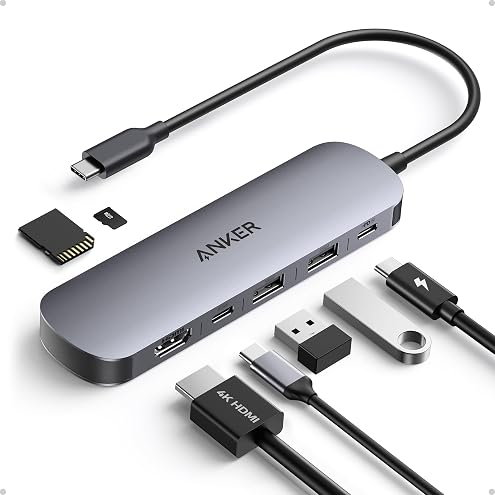
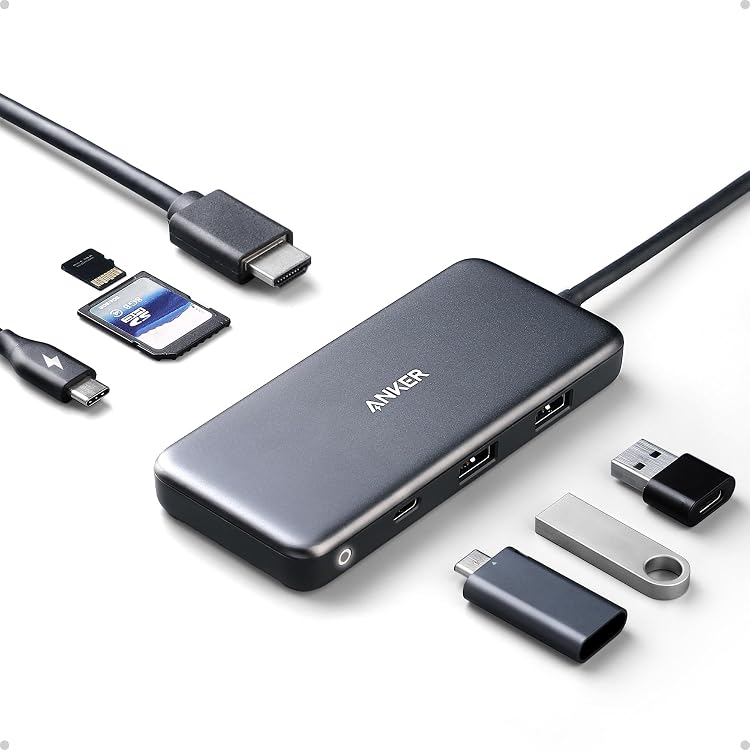
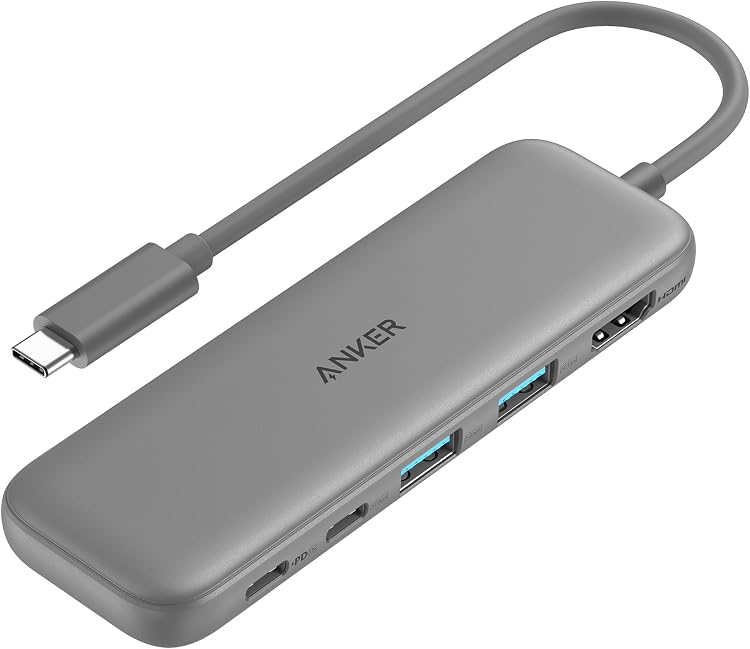
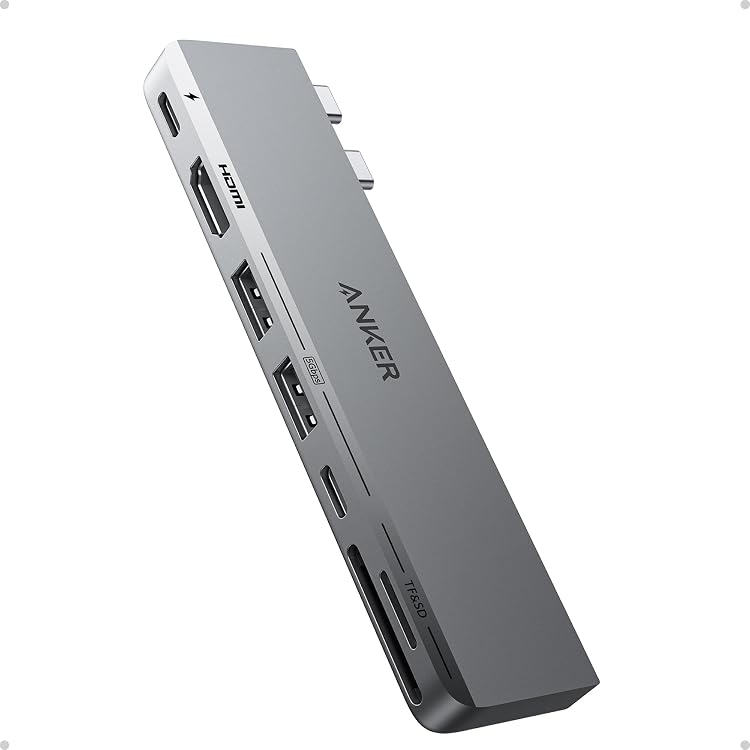
Anker USB C Hub, 7in1 Multi-Port USB Adapter, 4K@60Hz USBC to HDMI Splitter | USB C Dongle with 90W Max Power Delivery, 3×5Gbps USB A Data Ports, for MacBook, Dell, and More (Charger Not Included)
€17.90
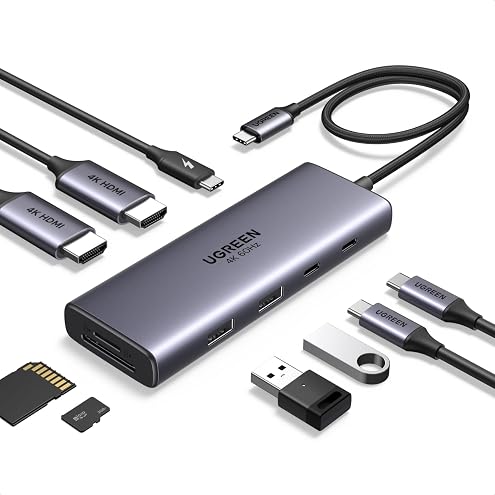
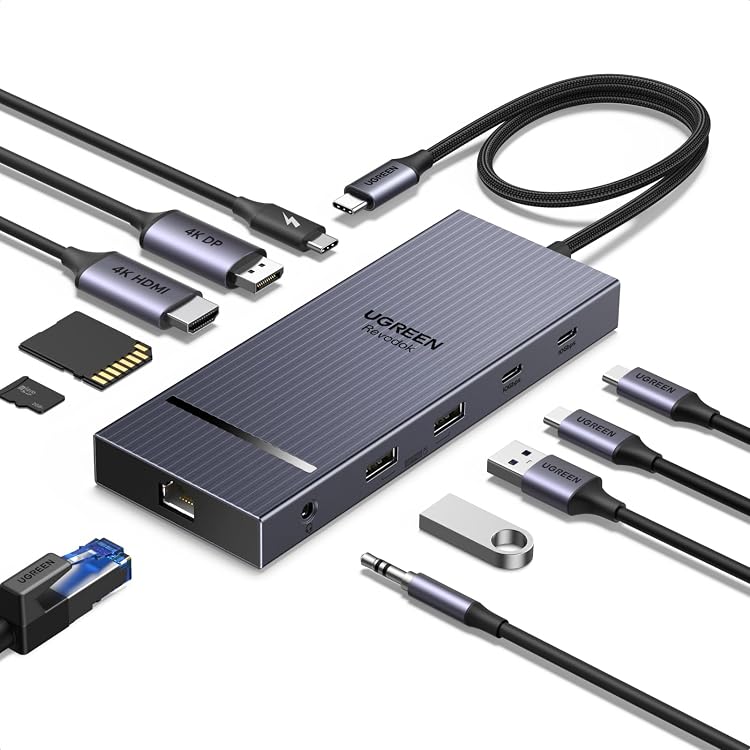
UGREEN Laptop Docking Station Dual Monitor, Dual 4K@60Hz 9-in-1 USB C Hub | 2x HDMI, 170MB/s SD/TF Card Reader, 100W Power Delivery, 3x 5Gbps USB-A/C Data Ports, Aluminum USB-C Dock for HP/Dell/Lenovo
€29.99
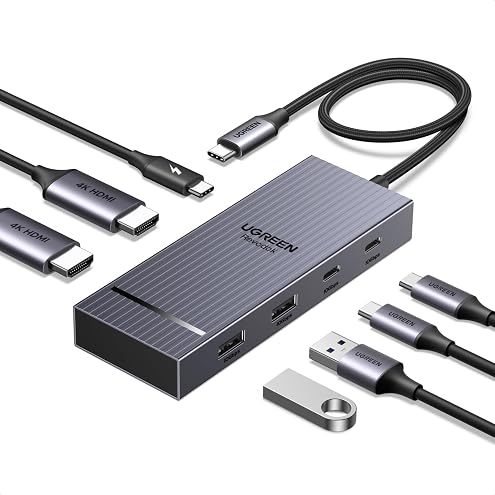
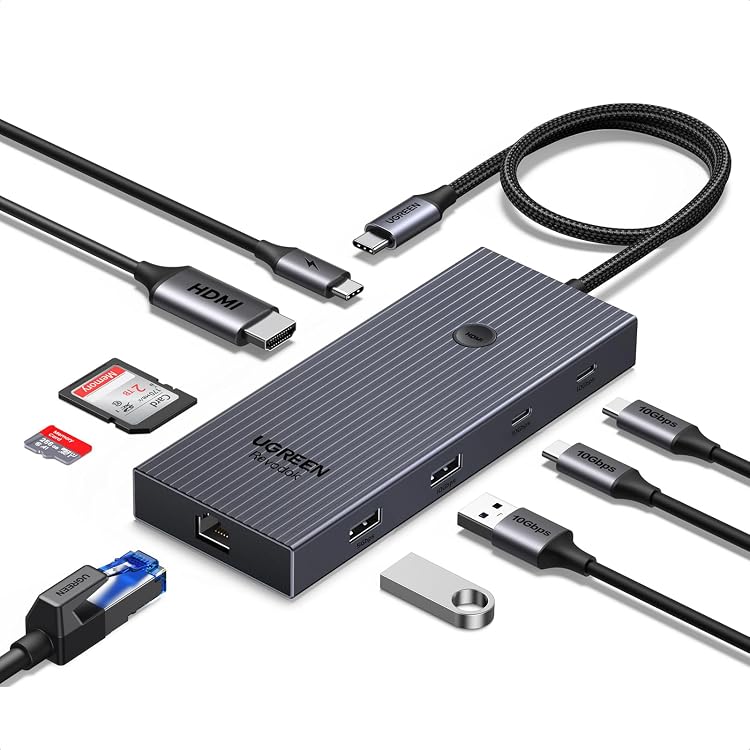
UGREEN Laptop Docking Station Dual Monitor, Dual 4K@60Hz 7-in-1 USB C Hub | 2x HDMI, 4x 10Gbps USB-A/C Data Ports USB Hub, 100W PD, Revodok Pro Aluminum USB-C Dock for Dell/HP/Lenovo and Windows Laptop
€34.99
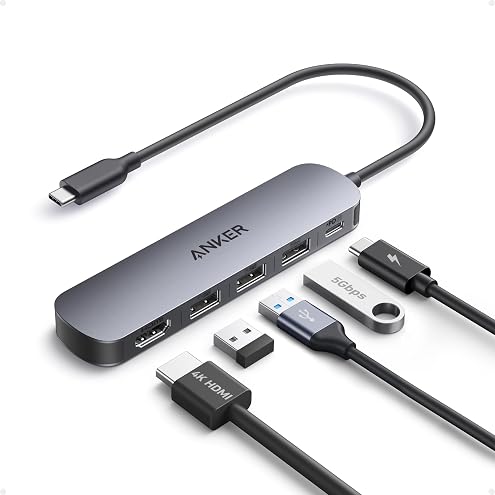
Anker USB-C Hub, 5-in-1 USB Hub for Laptops, 4K HDMI Multiport Adapter | USB C Dongle with 90W Max Power Delivery, 3×5Gbps USB A Data Ports, for MacBook, Dell, and More (Charger Not Included)
€13.90
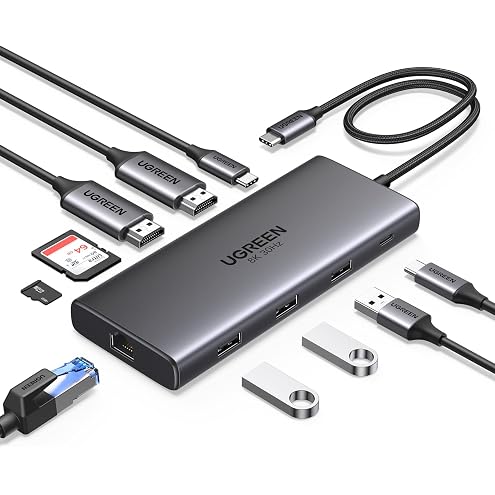
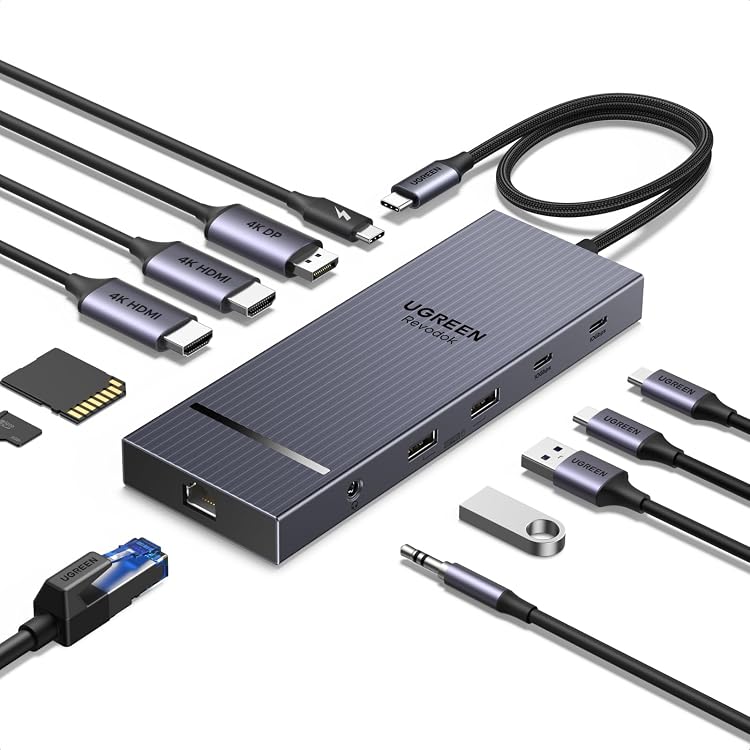
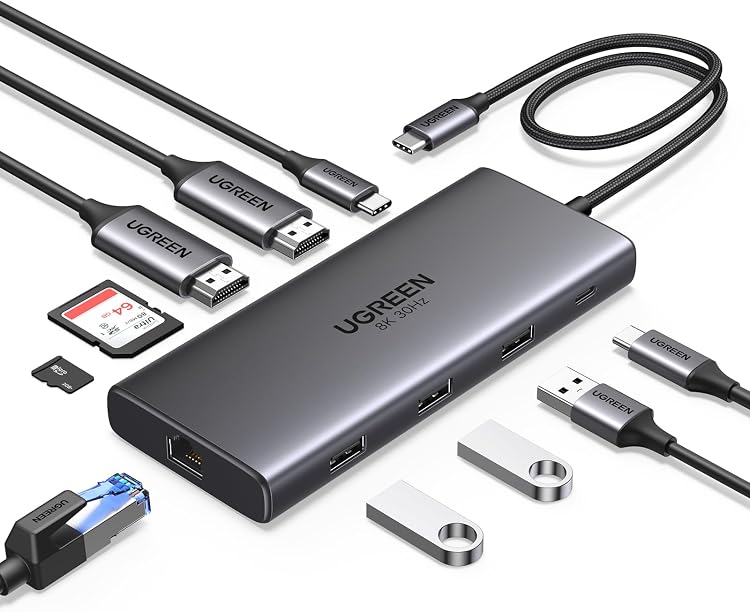
UGREEN Laptop Docking Station Dual Monitor, 10-in-1 Dual 4K@60Hz USB C Hub | 2x HDMI, Single 8K, 100W PD, 1Gbps Ethernet, 4x 5Gbps USB-A/C Data, SD/TF, Revodok Pro Aluminum USB-C Dock for Dell/HP/Lenovo
€39.99
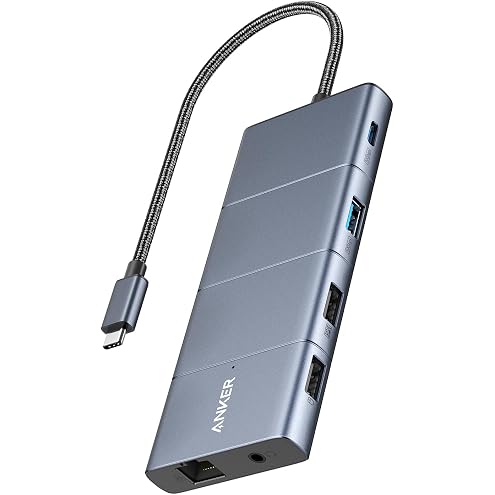
Anker USB-C Hub, 11-in-1 Docking Station Dual Monitor with 4K HDMI and DP | 1 USB-C and 1 USB-A 10Gbps Data Ports, 2 USB 2.0 Data Ports, 4K HDMI and DisplayPort, 85W Max PD, Ethernet, for XPS and More
€46.90